Collected by QR code · No app for guests
Your guests will take the photos.
You just need somewhere to put them.
- Guests need no app and no account. They scan and upload.
- Free to 50 photos, then 10¢ each and never more than $20.
One field. Takes about two minutes. No card.

Each guest was given a QR code. By morning after my wedding day I had over 300 images. This could not have been easier!
Guests scan a card on the table and upload from the phone already in their hand. Nothing to pay, nothing to decide. Set the rest up later.

What you get
A QR code and a gallery. One of them prints.
Name your event and both exist about two minutes later.
Kathy & Christian
Scan to add your photos
One · the code
A card for every table.
We give you the sheet, laid out and ready for a printer. Or drop the code in the program, or just text the link. Guests scan with the camera they already have.
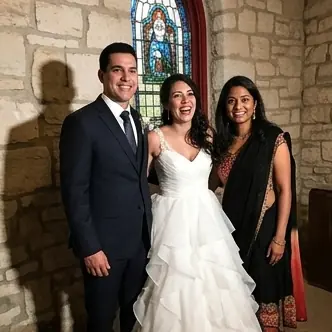

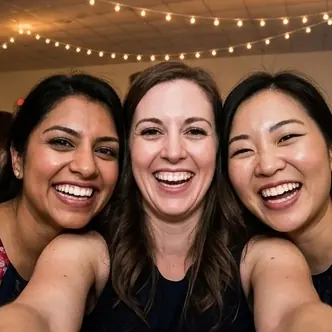
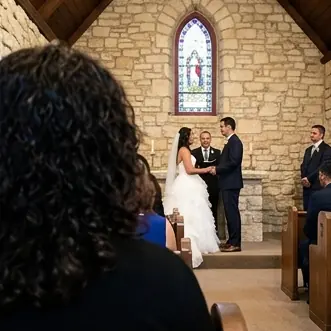
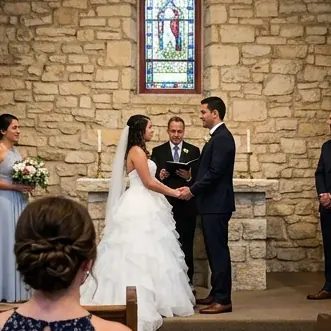

Two · the gallery
Every photo, in one place you own.
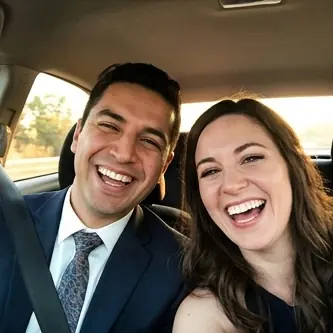
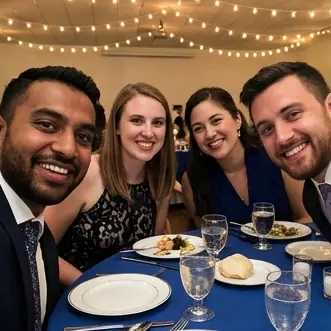
Taken on nine different phones. They arrive as they are taken, and you look the next morning.
And the part that matters today
Create it now, pay later. Or never.
Create your event now and pay later. Free to 50 photos, never more than $20, and nothing to decide until the photos are actually there.
Name it below ↓
One field
Name your event.
That is the whole thing. The PIN, the cover and full quality all wait until you can see what you are deciding about.
Your cards have to exist before the day does.
Your QR code exists the moment you name the event, so you can get the cards printed long before the day.
10,160
Photos collected
50
Photos free
$20
Cap per event
No
Card required
Questions
Questions people ask before creating one
How much will my event cost?
Do guests need to download an app?
How are videos counted?
Can I keep full-resolution photos?
How long are photos stored?
Is there a limit on guests?
Is tax included in that price?
More detail on the pricing page.
How it works
Three steps, and none of them happen on the day

I
Name the event
One field. You get a gallery and a QR code straight away, before you have paid anything or even signed in.
II
Put the code out
Print it for the tables, drop it in the program, or text the link. Guests scan with the camera app they already have.
III
Collect while you celebrate
Photos arrive in your gallery as they are taken. You look through them the next morning and download the lot in one archive.
What your guests do
Three taps, and nothing to install
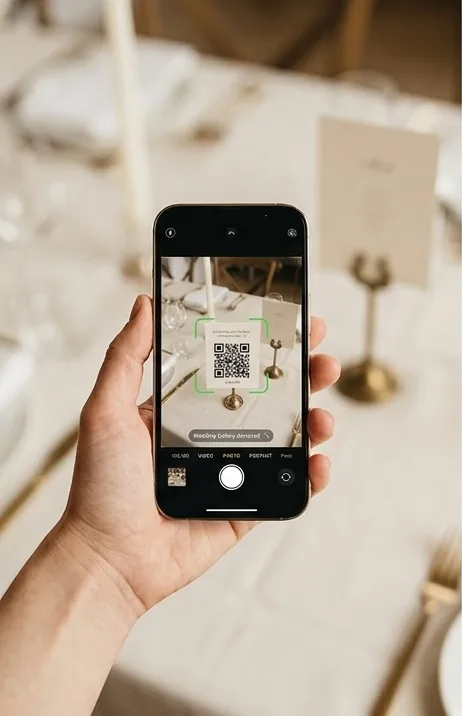
Point the camera at the card. No app to download, no account to make.
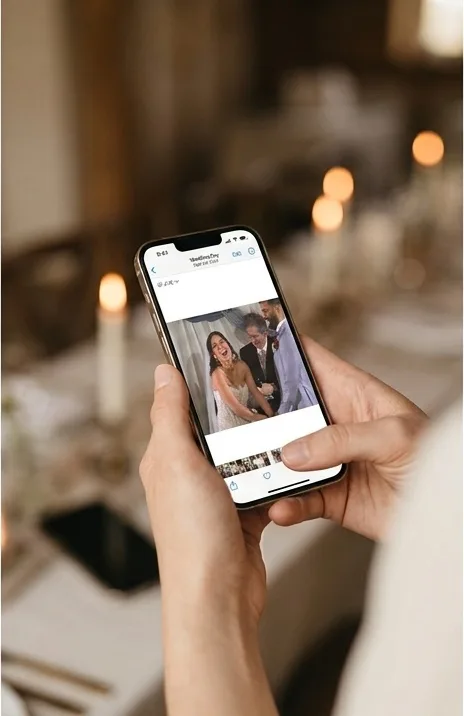
Pick the ones worth keeping.
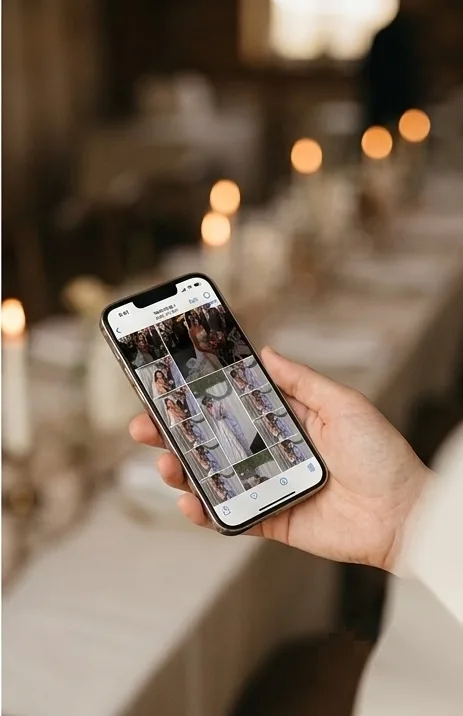
Done. Everything lands in the gallery you own.
Why hosts pick it
Guests install nothing
You pay for what arrived
Full quality, decided later
It looks like your event
Private by default
Side by side
What the other apps ask of your guests
Guest requirement
Pixsie
Scan a code and upload in the browser. No app, no account.
Typical app
Download an app, or create an account, before the first photo.
When you pay
Pixsie
Nothing until guests pass 50 photos, then only up to the cap.
Typical app
Up front, per event or per month, before you know if anyone used it.
Full-resolution files
Pixsie
Kept for every event, and unlocked when you want them.
Typical app
Compressed by default, with originals behind a higher tier.
Download
Pixsie
One archive of everything, yours to keep.
Typical app
Photo by photo, or an export that expires.
Your photos and AI
Pixsie
Never used for training. Delete everything whenever you want.
Typical app
Check the terms.
Pricing
You only pay once photos arrive
Free
$0
The first 50 photos, on every event, with no card and no expiry. If your guests are quiet, this is the whole bill.
Pay as they arrive
$20maximum
$0.10 per photo past the free 50, and it stops at $20. One video counts as 10 photos, because it costs about that much more to store and send.
Full quality
$40maximum
Originals with no compression, for prints and albums. $20 on top of the $20 rather than instead of it, so $40 is the most one event can cost. Add it after the event, once you have seen the photos.
$40 is the ceiling on everything: every photo unlocked and the untouched originals included. There is no tier above it and nothing further to buy.
Comparable services charge $20 to $99 up front, before a single guest has uploaded anything. Here $20 is the ceiling rather than the entry fee, the first 50 photos are free, and you decide after the event.
Prices exclude tax, which is added at checkout where it applies.
What wedding hosts said
Each guest was given a QR code. By morning after my wedding day I had over 300 images. This could not have been easier!
I loved Pixsie for its simplicity. It worked perfectly for our event and you can't beat the price!
After looking at countless other sites and apps for collecting wedding pictures we decided to go with Pixsie. We loved the idea of only paying after a certain number of uploads as well as the easy interface for guests to upload pictures and videos without having to download an app or sign in to a website. We were able to match the interface of the site to our wedding colours and easily display QR codes around our venue. We loved getting to look through everything that was uploaded in the days following our wedding easily downloading them in high quality!
Your guests are already taking the photos
All that is missing is somewhere for them to land. Setting that up takes about two minutes and costs nothing to try.